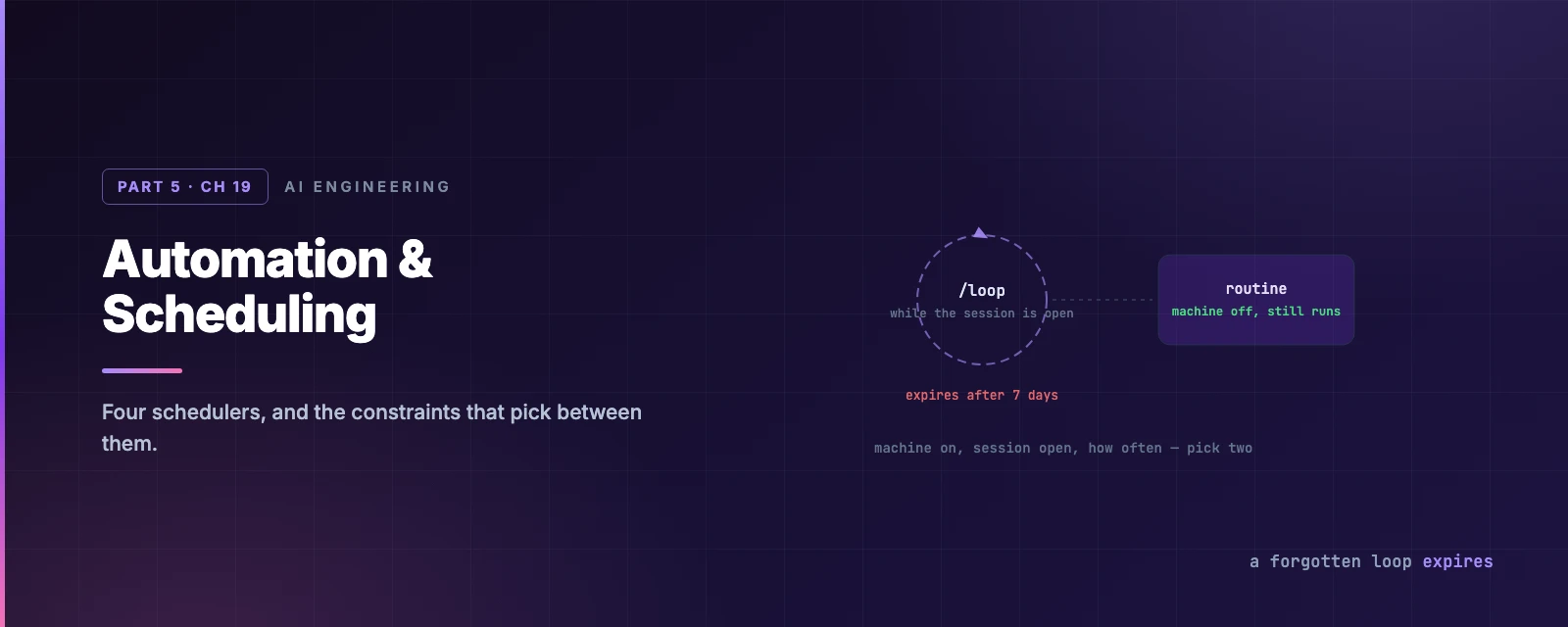
Automation & Scheduling
Overview
This chapter covers:
- Four schedulers, separated by three constraints — machine on, session open, minimum interval
/loopin all three forms, including the one where Claude picks its own interval- The 7-day expiry that bounds how long a forgotten loop can run
- Routines, their three trigger types, and the wrapper that keeps a leaked token from becoming an instruction
- Why jitter means your 9am job is not a 9am job
Four schedulers
They differ on three questions: does your machine need to be on, does a session need to be open, and how often can it run?
| Routines (cloud) | Desktop tasks | /loop | GitHub Actions | |
|---|---|---|---|---|
| Runs on | Anthropic’s cloud | Your machine | Your machine | CI runners |
| Machine on? | No | Yes | Yes | No |
| Session open? | No | No | Yes | No |
| Local files | No — a fresh clone | Yes | Yes | The checkout |
| Permission prompts | None — fully autonomous | Configurable | Inherits the session | None |
| Minimum interval | 1 hour | 1 minute | 1 minute | Cron |
The one-line version: cloud for work that must happen, desktop for work that needs your machine, /loop for watching something while you work.
Narrow it down
/loop
The bundled skill that re-runs a prompt while your session stays open. Both arguments are optional, and what you leave out changes the behaviour:
| You give | Example | You get |
|---|---|---|
| Interval and prompt | /loop 5m check the deploy | A fixed cron schedule |
| Prompt only | /loop check the deploy | Claude picks the interval each iteration |
| Neither | /loop | The built-in maintenance prompt |
You can loop a skill too — /loop 20m /review-pr 1234.
A scheduled fire only runs skills Claude is allowed to invoke on its own (Chapter 11). A built-in command, a
disable-model-invocation: trueskill, or one hidden byskillOverridesreaches Claude as plain text instead of executing. It looks like the loop ignored you.
Letting Claude choose
Omit the interval and Claude picks one between one minute and an hour after each iteration, based on what it just saw — short waits while a build is moving, longer ones once a PR goes quiet. It prints the delay it chose and why.
That is usually better than a fixed interval, because the right cadence for “is CI done” changes as CI progresses. And if the Monitor tool is available, Claude may use it instead — streaming a background script’s output rather than polling at all, which is both more responsive and cheaper.
The maintenance prompt
Bare /loop runs a built-in prompt that works through, in order: finish unfinished work from the conversation, then tend the current branch’s PR — review comments, failed CI, merge conflicts — then cleanup passes when nothing is pending.
The constraint that makes it safe to leave running:
It starts no new initiatives, and irreversible actions like pushing or deleting only proceed when they continue something the transcript already authorised.
That is a meaningfully different posture from “autonomous mode”. It will finish your thought; it will not have its own.
Replace it with your own default by writing loop.md — .claude/loop.md for the project (which wins) or ~/.claude/loop.md for you everywhere. Plain Markdown, written as if you were typing the prompt. Edits take effect on the next iteration, so you can steer a running loop by saving the file.
Stopping, and the seven-day fuse
Esc while a self-paced loop is waiting clears the pending wakeup. In self-paced mode Claude can also stop on its own when the task is done. Fixed-interval loops run until you cancel them — or until the fuse burns down:
Recurring tasks expire 7 days after creation. They fire one final time, then delete themselves.
That bounds how long a forgotten loop can run, which is the right default for something you started to watch a deploy three Tuesdays ago. If you need longer, recreate it — or you wanted a routine.
Three more limits worth knowing: tasks fire only while Claude Code is running and idle; there is no catch-up for fires missed while Claude was busy — one fire when it goes idle, not one per missed interval; and a fresh conversation clears them, while --resume restores the unexpired ones. Backgrounding the session carries /loop tasks over, which is the way to keep one alive without a terminal.
A session holds up to 50 scheduled tasks. CLAUDE_CODE_DISABLE_CRON=1 turns the whole scheduler off.
One-time reminders
No command needed — describe it:
remind me at 3pm to push the release branch
in 45 minutes, check whether the integration tests passed
Claude pins it to a cron minute and confirms the time.
Jitter, or why 9am is not 9am
A detail that will otherwise confuse you once:
Recurring tasks fire up to 30 minutes after their scheduled time. One-shots at the top or bottom of the hour fire up to 90 seconds early.
This is deliberate — it stops every session on earth hitting the API at :00. The offset comes from the task ID, so it is stable per task. If exact timing matters, schedule at a minute that is not :00 or :30: 3 9 * * * rather than 0 9 * * *, and the one-shot jitter does not apply.
Routines
Work that must happen whether or not your laptop is open. A routine is a saved prompt, one or more repositories, and a set of connectors, running as a full Claude Code cloud session — autonomously, with no permission prompts at all.
Three trigger types, combinable on one routine:
| Trigger | Fires on |
|---|---|
| Schedule | A recurring cadence, minimum one hour, or once at a future time |
| API | A POST to a per-routine endpoint with a bearer token |
| GitHub | Repository events — pull requests and releases, with filters |
/schedule creates them from the CLI: /schedule daily PR review at 9am, or /schedule in 2 weeks, open a cleanup PR that removes the feature flag. Available on Pro, Max, Team and Enterprise, and it needs a claude.ai login — an API key or a cloud provider hides the command entirely.
Because a run is autonomous, scope it deliberately. Every connector on your account is included by default; remove the ones it does not need, because Claude can use every tool from an included connector, writes included, without asking. Claude pushes to claude/-prefixed branches; a push elsewhere is rejected if the branch is protected, has someone else’s open PR, or carries someone else’s commits.
The payload wrapper
The best-designed detail in this chapter, and it generalises:
Text you POST with a trigger does not arrive as a message. It comes wrapped in a
<routine-fire-payload>block labelled untrusted, with instructions not to follow anything inside it unless the routine’s own prompt says to.
So a routine has to opt in — “investigate the alert described in the routine-fire-payload block” — or the text is inert context. Anyone holding the bearer token can send that field, and the wrapper is what makes a leaked token deliver data rather than instructions.
Note the deliberate asymmetry with the saved prompt itself: that is treated as a real assigned task, because it was stored ahead of time by an authorised session on your account. Same run, two different trust levels, drawn exactly where the authorisation is.
Summary
- Four schedulers, separated by machine on, session open, minimum interval.
/loophas three forms; omitting the interval lets Claude choose one each iteration, which usually beats a fixed cadence.- Bare
/loopruns a maintenance prompt that starts no new initiatives and only takes irreversible actions the transcript already authorised. loop.mdreplaces that default, and edits apply on the next iteration.- Recurring tasks expire after 7 days, fire only while the session is idle, and do not catch up on missed fires.
- Jitter means a recurring task can fire up to 30 minutes late. Schedule off
:00and:30if timing matters. - Routines run in the cloud with no permission prompts and every connector included by default — remove what you do not need.
- A routine’s fire text arrives wrapped as untrusted data; the saved prompt does not. The line is drawn at who authorised it.
- Full reference: scheduled tasks, routines, desktop scheduled tasks.
Chapter 20 closes Part 5 with the surfaces themselves: every place Claude Code runs, and what changes between them.