Cost, Monitoring & Security
Overview
This chapter covers:
- Real cost anchors, and why a coding seat is not a chat seat
- The six reasons a session that has been open all day costs more than the work in it
- Which lever actually moves spend, in rough order of effect
- The safeguards against prompt injection — and the sentence that says what they do not cover
- What an organisation can see and cap, per plan
What it costs
The published anchors, which are worth having before you argue about a plan:
| Measure | Figure |
|---|---|
| Average | ~$13 per developer per active day |
| Typical month | $150–250 per developer |
| 90% of users | Under $30 per active day |
The framing that explains the spread: budget more for a coding seat than a chat seat. Every turn carries file contents, tool calls and multi-step reasoning, so one debugging session can consume more than a day of chat.
If you are rolling this out, the advice is to pilot small and measure rather than model it — the variance between developers is larger than any estimate you would build.
Where to look
| Command | Shows |
|---|---|
/usage | Session tokens and cost, plan usage bars, and attribution — how much went to which skill, subagent, plugin or MCP server |
/insights | An HTML report on how you work — friction points, misunderstood requests — rather than what you spent |
| OpenTelemetry | Per-user tokens and cost streamed into your own stack. The only option that works on every setup |
Two details on /usage worth knowing. Its behaviour flags call out anything accounting for 10% or more of recent usage — long context, cache misses — which is a diagnosis rather than a number. And on a subscription the dollar figure is not your bill: usage is included, so the figure is there for API users.
If your organisation pays contracted rates, every figure Claude Code shows is list price unless an administrator sets
modelPricingin managed settings. Then/usagenotes it is reporting at your organization’s configured rates.
Why an idle session keeps spending
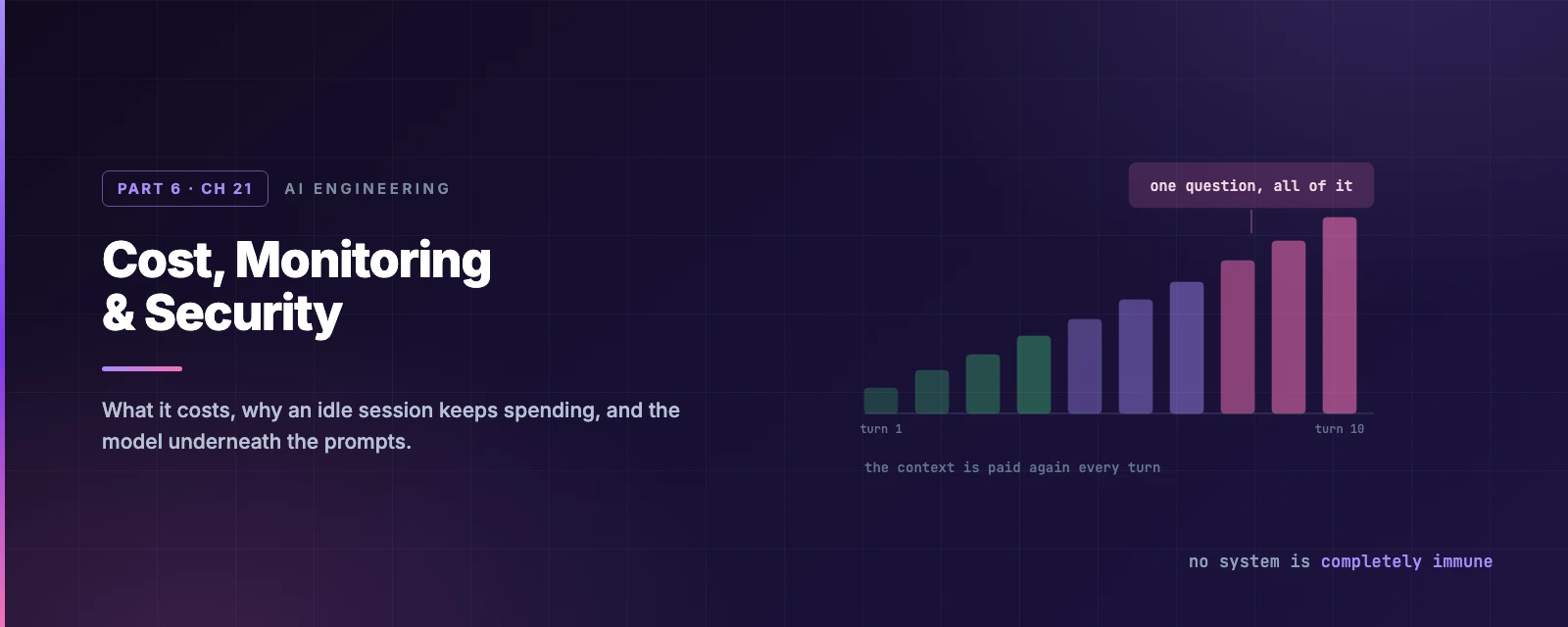
The most common surprise, and the answer is structural: your full conversation is sent with every request. A one-line question in a session that has been open all day still draws usage for the whole conversation — at the cached rate, but not free.
Six causes, and several fire while you are not typing:
| Cause | Why |
|---|---|
| A long conversation | The whole thing is re-sent every turn |
| Cache misses | A five-minute gap, or an edit near the top of the context, and the discount is gone |
| Compaction | Summarising the conversation is itself a paid call over the whole conversation |
| Scheduled tasks and loops | Chapter 19’s crons fire whether or not you are at the keyboard |
| Cross-session messages and goal check-ins | Another session, or a background goal, starts a turn in this one |
| Teammates | Every agent in a team is running its own loop |
Drag the turn count and toggle the levers:
Cutting it
Roughly in order of effect:
/clearbetween unrelated tasks. Stale context is re-sent on every message./renamefirst so you can find it again.- Match the model to the job. Sonnet handles most coding; keep Opus for architecture and multi-step reasoning.
model: haikuon a simple subagent is free money. - Delegate verbose work to subagents (Chapter 17) — test output and doc fetches stay in their window.
- Move workflow instructions out of
CLAUDE.mdinto skills (Chapters 6 and 11). Under 200 lines. - Lower effort for simple work. Thinking tokens bill as output, and the default budget can be tens of thousands of tokens per request.
- Prefer CLI tools to MCP servers where both exist.
ghandawsadd no per-tool listing at all.
And two habits that save money by avoiding waste rather than trimming context: plan mode before anything complex (Chapter 3 — planning is cheaper than rework), and Esc early when Claude heads the wrong way.
The most interesting technique is the one that sounds like plumbing: preprocess with a hook (Chapter 12). A PreToolUse hook that rewrites npm test to grep for failures turns tens of thousands of tokens of test output into hundreds — and because hooks run outside the context window, the filtering itself is free.
Agent teams use roughly 7× the tokens of a standard session when teammates run in plan mode. Chapter 18’s “start with 3–5” is a cost statement as much as a coordination one.
The security model
Everything in Part 1 was one idea from this page: Claude Code has only the permissions you grant it. In Manual mode it starts read-only and asks before editing, executing, or reaching the network.
The built-in protections, most of which now have a chapter behind them:
| Protection | Covered in |
|---|---|
| Working directory boundary | Chapter 4 |
| Sandboxed Bash — OS-level filesystem and network isolation | Chapter 4 |
| Trust verification for new codebases and MCP servers | Chapters 4 and 14 |
| Auto mode’s classifier | Chapter 3 |
| Credentials in the macOS Keychain, or file permissions elsewhere | — |
Against prompt injection
Injection is the attack that matters for an agent that reads your files and the web. The layered defences:
- Isolated context windows for web fetch, so a fetched page cannot inject into your main conversation.
- Network commands are not auto-approved.
curlandwgetprompt like any other non-read-only command. - The classifier never sees tool results (Chapter 3), so hostile file content cannot address it directly.
- Command injection detection — a suspicious Bash command prompts even if previously allowlisted.
- Fail-closed matching. An unmatched command needs approval; it does not fall through.
Then the sentence that should be quoted rather than paraphrased:
While these protections significantly reduce risk, no system is completely immune to all attacks.
Which is why the practical advice is behavioural, not configurational: review commands before approving, do not pipe untrusted content directly into Claude, verify changes to critical files, and run anything touching external services in a VM or container.
Two gaps worth naming because they are easy to walk into. -p runs disable trust verification entirely — Chapter 16’s argument for --bare. And starting in your home directory never persists trust; the prompt returns every launch, with no setting to change it. Start from a project directory.
For teams
ConfigChange hooks (Chapter 12) can audit or block settings changes mid-session — the answer to “how do I know nobody widened their own permissions”. Managed settings enforce the rest, and /security-review runs an on-demand pass over the current branch.
Vulnerabilities go to Anthropic’s HackerOne programme, not a public issue.
What an organisation can see
| Setup | See spend | Cap it | Per-user |
|---|---|---|---|
| Team / Enterprise | Spend report in org analytics | Seat allowance, then usage-credit limits | CSV, or the Enterprise Analytics API |
| Console (API) | Console usage page | Workspace spend limits | Console dashboard, Analytics API |
| Cloud providers | Your cloud billing console | Your cloud’s budgets | OpenTelemetry only |
Cloud-provider usage never reaches Anthropic, so the dashboards do not cover it — OTel, a Claude apps gateway, or an LLM gateway are the options.
One thing worth doing before rollout: set a rate limit on the auto-created “Claude Code” workspace if you are on the Console. Otherwise Claude Code traffic competes with your production workloads for the same organisation limits.
Summary
- ~$13 per developer per active day, $150–250 a month, under $30/day for 90%. Budget a coding seat above a chat seat.
/usagefor tokens and attribution,/insightsfor how you work, OpenTelemetry for anything cross-setup.- Cost figures are list price unless
modelPricingis set in managed settings. - An idle session still spends, because the full conversation goes with every request — and loops, goals, teammates and cross-session messages all start turns while you are away.
- Biggest levers:
/clearbetween tasks, match the model, delegate verbose work, keepCLAUDE.mdsmall. - A
PreToolUsehook that filters output is the cheapest saving available, because hooks cost no context. - Injection defences are layered — isolated fetch context, no auto-approved network commands, fail-closed matching — and the docs say plainly that no system is completely immune.
-pdisables trust verification, and home-directory trust never persists.- Full reference: costs, monitoring, security, analytics.
Chapter 22 is the other half of running it for real: what to do when it goes wrong.