MCP Fundamentals
Overview
This chapter covers:
- What MCP adds that a Bash command does not
- Four transports and three configuration scopes — and which scope your teammates get
- Tool search: why connecting ten servers costs almost nothing until Claude needs one
- The trust boundary around a project’s
.mcp.json, and where it does not apply - The two tool annotations that make a prompt unavoidable in every permission mode
What it adds
Claude Code can already run any command you can. So what does connecting a server buy?
Structure. Asking Claude to query Postgres via psql means it constructs a shell command, parses text output, and guesses at the schema. An MCP server exposes typed tools with described inputs — query, list_tables, describe_table — so Claude picks a tool and fills in parameters rather than composing a string and hoping.
The protocol is an open standard, so the same integration works across clients. Practically: issue trackers, databases, design tools, monitoring, and anything else with an API someone has wrapped.
Four transports
| Transport | For |
|---|---|
| stdio | A local process on your machine — custom scripts, anything needing direct system access |
| HTTP | Remote servers. The recommended one, with OAuth 2.0 support |
| SSE | Deprecated. Use HTTP where the service offers it |
| WebSocket | Remote servers that push events unprompted |
claude mcp add --transport http notion https://mcp.notion.com/mcp
claude mcp add --transport stdio db -- npx -y @bytebase/dbhub --dsn "postgresql://readonly:pass@host/db"
The -- matters: everything after it is the server’s own command line, not Claude Code’s.
A
urlwith notypeis read as a stdio server. It is the most common configuration error, and the message it produces does not obviously point at the missing field. Always set"type": "http".
Three scopes
Chapter 5’s precedence pattern again, with a different set of files:
| Scope | Lives in | Shared |
|---|---|---|
| Local (default) | ~/.claude.json, under the project path | No |
| Project | .mcp.json at the repository root | Yes, via git |
| User | ~/.claude.json | No — but every project |
Precedence when a name appears more than once: local → project → user → plugin-provided → claude.ai connectors. Claude connects once, using the highest.
.mcp.json supports environment expansion — ${API_KEY} and ${API_BASE_URL:-https://default} — across command, args, env, url and headers. That is what makes a committed file workable for a team.
An unset variable with no default does not fail loudly. The server loads with the literal
${VAR}text still in place, and shows! Missing environment variablein/mcpandclaude mcp list. Give every variable a:-defaultunless its absence should be visible.
Why ten servers don’t flood your window
Chapter 8 noted that MCP tool schemas are deferred by default. This is the mechanism, and it is the single most important thing about running more than one server.
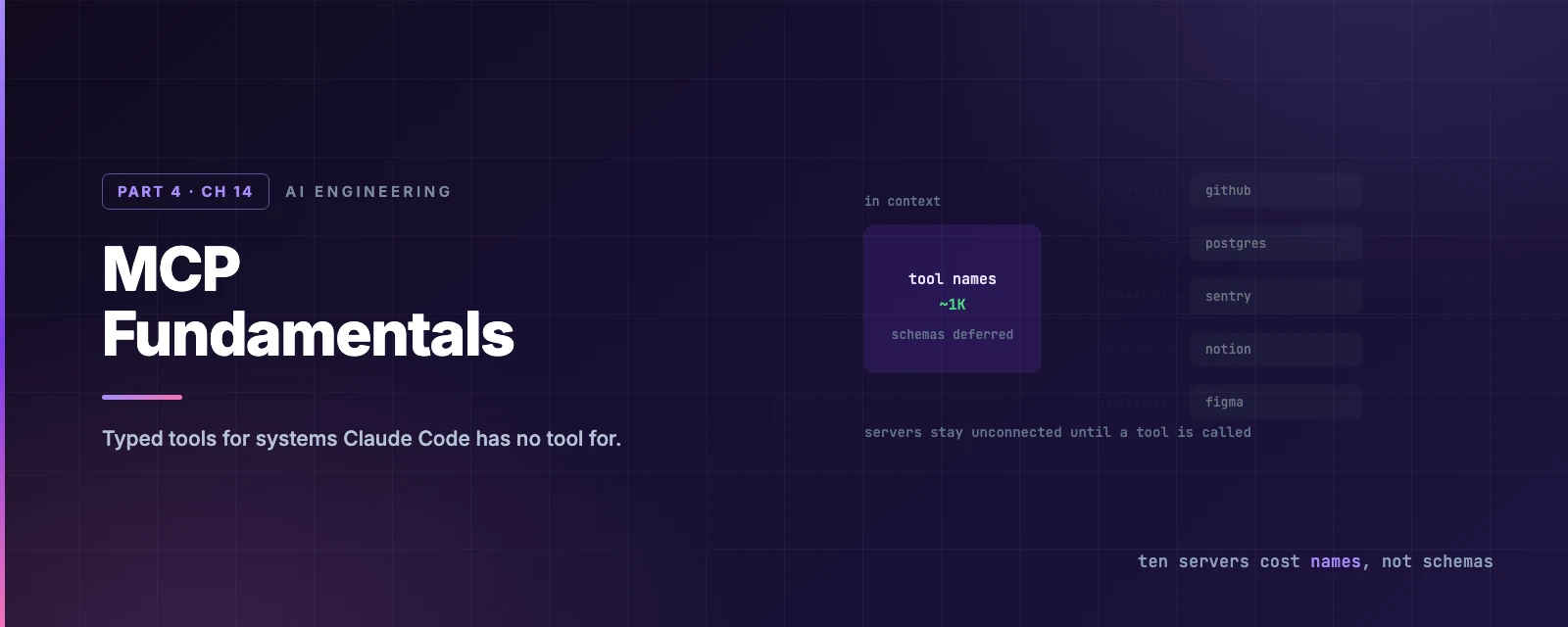
With tool search on — the default — Claude Code loads tool names and issues a ToolSearch request when it needs something. Servers stay unconnected until Claude actually calls one of their tools. With it off, every schema from every server is loaded into the system prompt at startup.
Bars are drawn against a 200K window. Schema size varies a lot between servers, so the slider is there to try your own figure — the shape of the answer holds at any plausible value.
Tool search is unavailable or off in a few situations worth knowing, because the cost reappears: a custom ANTHROPIC_BASE_URL, ENABLE_TOOL_SEARCH=false, pre-4.5-generation models on Google Cloud’s Agent Platform, and some Microsoft Foundry deployments. A server or tool marked alwaysLoad also stays in the prefix by choice.
And from Chapter 8’s caching rules, the corollary: a deferred server connecting or disconnecting mid-session costs you nothing, because its definitions were never in the cached prefix. When tools are loaded into the prefix, the same event triggers a full re-read.
Connecting and authenticating
/mcp is the manager: status, authentication, and toggling a server off without deleting it. claude mcp list gives the same statuses from the shell.
For OAuth servers, Claude Code flags anything answering 401 or 403. Authenticate from inside a session with /mcp, or from the shell:
claude mcp login sentry
claude mcp login sentry --no-browser   # SSH, or a machine with no display
Tokens are stored securely and refreshed automatically. For servers without dynamic client registration you can supply a pre-registered client ID, secret and callback port.
For anything that is not OAuth — Kerberos, internal SSO, short-lived tokens — headersHelper runs a command that prints a JSON object of headers, re-run on every connection with a 10-second timeout:
{ "mcpServers": { "internal": {
  "type": "http",
  "url": "https://mcp.internal.example.com",
  "headersHelper": "/opt/bin/get-mcp-auth-headers.sh"
} } }
Trust
A project-scoped server is code someone committed that will run on your machine, so it needs approval before connecting. From Chapter 4, the pattern is familiar — and so is the exception:
Interactive sessions show the approval dialog.
claude -p, the Agent SDK and cloud sessions load project servers without prompting. If you are about to run-pin a repository you did not write,--strict-mcp-configloads only the servers you passed, anddisabledMcpjsonServersrejects one by name.
Since v2.1.238 a headersHelper on a project or local server also waits for workspace trust. And credential-shaped environment variables — anything matching TOKEN, SECRET, PASSWORD, KEY, AUTH — are stripped from the environment of servers defined in a project .mcp.json, a plugin, or an --add-dir directory. User-scope servers keep them.
Organisation controls
If you sign in with a claude.ai account, connectors configured there appear automatically. Administrators get two levers, and both outrank your permission mode:
| Setting | Effect |
|---|---|
ask | Prompts on every call — including in acceptEdits, auto and bypassPermissions. Never offers “don’t ask again”. Denied outright in dontAsk |
blocked | The tool is filtered out before Claude sees it |
A server author can request the same treatment per tool with the requiresUserInteraction annotation (v2.1.199+). Allow rules do not skip that prompt — this is the Chapter 3 list of actions no mode auto-approves, seen from the server’s side.
disableClaudeAiConnectors: true switches off connectors Claude Code fetches itself.
Limits worth knowing
Four defaults that explain most surprising MCP behaviour:
- Output is capped at 25,000 tokens (
MAX_MCP_OUTPUT_TOKENS), with a warning at 10,000. A tool can raise its own ceiling to 500,000 characters with themaxResultSizeCharsannotation. Results over roughly 10k tokens are written to disk and replaced with a file reference. - A call running over two minutes moves to a background task (v2.1.212+). Claude gets a task ID and keeps working; the result arrives as a notification and shows in
/tasks. - Remote servers reconnect automatically — up to five attempts with exponential backoff. Stdio servers do not, because they are local processes.
- Failures are only reported to Claude when tool search is on. Without it, Claude is not told a server failed to connect; it simply has fewer tools than you expect.
Summary
- MCP gives Claude typed tools with described inputs rather than a shell command and text to parse.
- Four transports; HTTP is the recommended one. A
urlwith no"type"is read as stdio — the most common config error. - Three scopes: local (default, private), project (
.mcp.json, committed), user (everywhere, private). Local wins. - Tool search defers schemas by default, so ten servers cost tool names rather than tool schemas — and a deferred server connecting mid-session does not disturb the prompt cache.
- Project servers prompt for approval interactively but load without prompting under
-p, the SDK and cloud sessions. Use--strict-mcp-configin a repository you do not trust. - Credential-shaped environment variables are stripped from project, plugin and
--add-dirservers. askconnector tools andrequiresUserInteractionprompt in every mode, and allow rules do not skip them.- Output caps at 25,000 tokens; calls over two minutes background themselves.
- Full reference: MCP, quickstart, managed MCP.
Chapter 15 puts this to work: the servers worth connecting first, the native Chrome integration, and the prompts that actually get useful results out of them.