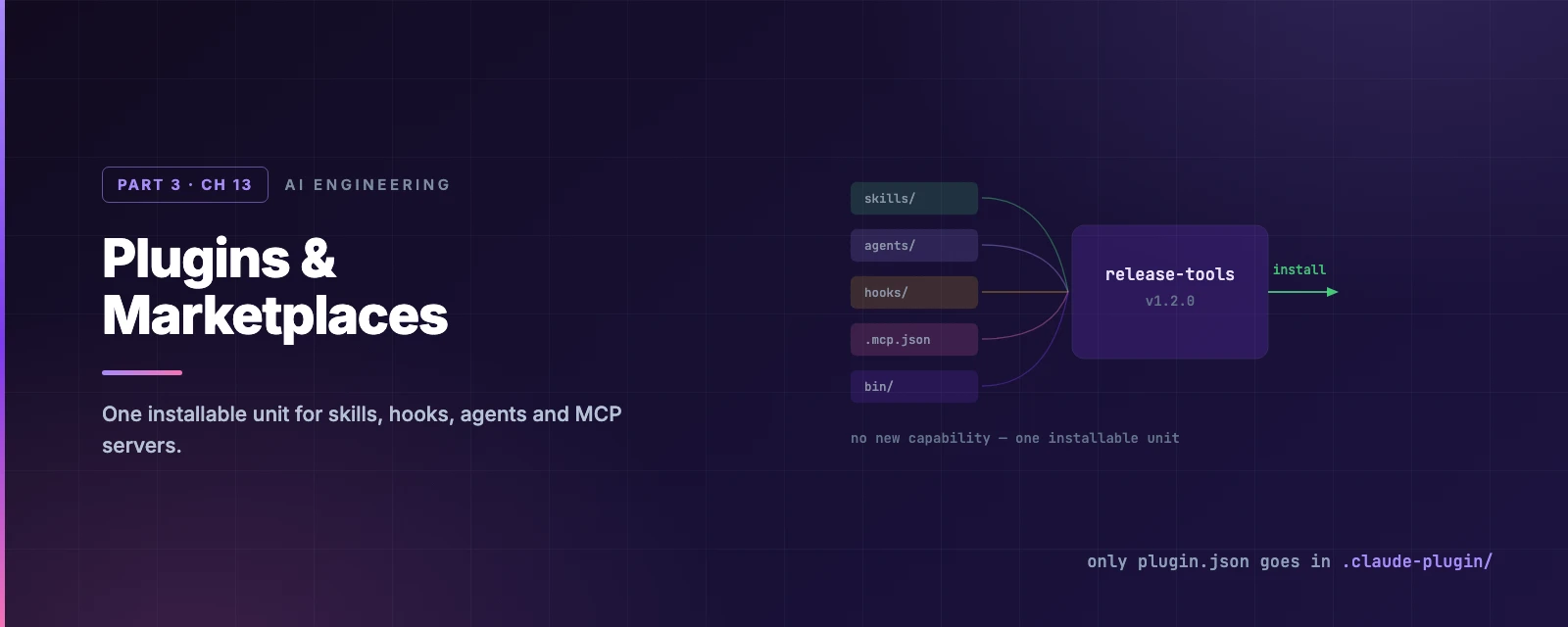
Plugins & Marketplaces
Overview
This chapter covers:
- Why a plugin adds no new capability, and what it adds instead
- The directory layout — and the single mistake that silently breaks most first plugins
userConfig, and the two places its values are deliberately not substituted- What enabling a plugin costs your prompt cache, and which component types are free
- Marketplaces, namespacing, and the trust boundary you cross when you install one
A wrapper, not a mechanism
Everything Part 3 has covered is already available in .claude/. A plugin invents nothing. What it adds is one installable, versioned, shareable unit:
Standalone .claude/ | Plugin | |
|---|---|---|
| Invocation | /hello | /my-plugin:hello |
| Reach | This project | Anywhere it is installed |
| Sharing | Copy the files | /plugin install |
| Versioning | Whatever git gives you | A version field people upgrade to |
The advice in the docs is the right order of operations: build it in .claude/ first, convert when you want to share it. Iterating on a plugin is slower, because changes need a reload.
Anatomy
The mistake everyone makes
Only
plugin.jsongoes inside.claude-plugin/. Every component directory —skills/,agents/,hooks/,commands/— lives at the plugin root. Put them inside.claude-plugin/and they are silently not discovered.
The plugin root is the plugin’s own directory: the one you pass to --plugin-dir, or the one containing .claude-plugin/plugin.json. It is never ~/.claude/ — a .mcp.json at ~/.claude/.mcp.json is not read by anything.
A plugin shipping exactly one skill can skip the skills/ directory and put SKILL.md at the root. Use skills/ for anything that might grow.
The manifest
name is the only required field, and it is the namespace:
{
  "name": "release-tools",
  "description": "Version bumping, changelog and publish workflow",
  "version": "1.2.0",
  "author": { "name": "Your Name" }
}
Setting version means users only get updates when you bump it. Omit it and the version falls back to the source.
Component paths can be overridden, and the override rule is not uniform: commands, agents, outputStyles and workflows replace the default directory, while skills adds to it — skills/ is always scanned. hooks, mcpServers and lspServers merge across sources.
userConfig
A plugin can declare configuration it prompts the user for:
{
  "userConfig": {
    "api_endpoint": { "type": "string", "title": "API endpoint", "description": "Your endpoint", "required": true },
    "api_token":    { "type": "string", "title": "API token",   "description": "Auth token", "sensitive": true }
  }
}
Values arrive as ${user_config.KEY} inside MCP, LSP, skill and agent content, and as CLAUDE_PLUGIN_OPTION_<KEY> environment variables in hook processes. sensitive: true masks the input and stores it in secure storage.
Two deliberate exclusions, both for the same reason:
${user_config.*}is not substituted into shell-form hook commands, or into monitor commands. Interpolating a user-supplied string into a shell command is a command-injection hole. Use exec form — supplyargs— where each argument is passed literally with no shell involved.
Installing, enabling, reloading
/plugin is the manager. Under the hood, marketplace plugins are copied into ~/.claude/plugins/cache/, one directory per version, while --plugin-dir and skills-directory plugins are used in place.
For development, --plugin-dir loads a directory (or a .zip) without installing, and can be repeated. A --plugin-dir plugin outranks an installed one of the same name for that session, so you can test changes to something already installed. The exception is a plugin managed settings force-enable or force-disable.
What a change costs
Chapter 8 said enabling a plugin can invalidate the prompt cache. The precise version is worth knowing, because most of it is free:
| The plugin provides | Cost on enable |
|---|---|
| Skills, commands, agents, hooks, monitors, themes | Free — appended after the conversation |
| MCP servers, tools deferred (the default) | Free — never in the cached prefix |
| MCP servers, tools loaded into the prefix | A full re-read of the conversation |
And the timing is not when you run /plugin enable — the cost lands on the first turn after the change applies, which means /reload-plugins or a new session. If a reload would trigger a full re-read, Claude Code warns and refuses; --force applies it anyway.
One live-reload asymmetry carried over from Chapter 11: a SKILL.md edit takes effect immediately, but hooks, .mcp.json, agents and output styles need /reload-plugins.
Marketplaces
A marketplace is a catalogue of plugins — most usefully, a git repository:
claude plugin marketplace add anthropics/claude-plugins-community
Anthropic runs two: claude-plugins-official, curated and registered automatically on your first interactive launch, and claude-community, where third-party submissions land after review. Approved community plugins are pinned to a commit SHA, with CI bumping the pin as you push.
For a team, a private repository as a marketplace is the whole distribution story. extraKnownMarketplaces in project settings declares it — and, per Chapter 5, that key waits for workspace trust, which is exactly right for something that can install code.
claude plugin validate ./my-plugin runs the same check the review pipeline does. --strict turns warnings into errors.
Namespacing
Plugin components are namespaced by plugin name, which is how two plugins can both ship a deploy:
| Component | Named |
|---|---|
| Skill | /plugin-name:skill-name |
| Agent | plugin-name:agent-name |
| MCP tool matcher | mcp__plugin_<plugin>_<server>__<tool> |
One asymmetry to know when migrating: a project or user .claude/agents/ definition overrides a same-named plugin agent, so the plugin’s version does nothing until you delete the original. Skills do not work that way — they are namespaced, so /deploy and /my-plugin:deploy coexist.
The trust boundary
Installing a plugin runs someone else’s hooks, MCP servers and executables on your machine. Claude Code does block path escapes, and skips symlinks pointing outside the marketplace when caching. But the substantive control is organisational:
| Setting | Effect |
|---|---|
allowManagedHooksOnly | Only managed hooks run — plugin hooks do not |
strictKnownMarketplaces | Only approved marketplaces |
blockedMarketplaces | Deny a list |
strictPluginOnlyCustomization | Customisation only through approved plugins |
bin/ is worth singling out: a plugin’s bin/ is added to the Bash tool’s PATH while it is enabled. That is a real capability, and it is why it cannot be included in a plugin distributed through claude.ai organisation settings.
Summary
- A plugin adds no new capability — it packages skills, agents, hooks, MCP and LSP servers into one versioned, installable unit. Build in
.claude/first. - Only
plugin.jsongoes in.claude-plugin/. Everything else sits at the plugin root, and the root is never~/.claude/. - Manifest path overrides are not uniform:
commandsandagentsreplace,skillsadds,hooksandmcpServersmerge. ${user_config.*}is deliberately not substituted into shell-form hook commands or monitor commands — use exec form withargs.- Enabling a plugin is free for skills, agents and hooks; only MCP tools loaded into the prefix cost a full cache re-read, and the cost lands on the first turn after
/reload-plugins. SKILL.mdedits reload live; hooks, MCP and agents need/reload-plugins.- A local
.claude/agents/definition shadows a plugin agent of the same name. Skills namespace instead, so both stay available. - Full reference: creating plugins, structure and schema, marketplaces.
That closes Part 3. Part 4 connects Claude Code to systems outside your machine, starting with MCP — what the protocol actually is, and why ten servers do not flood your context window.