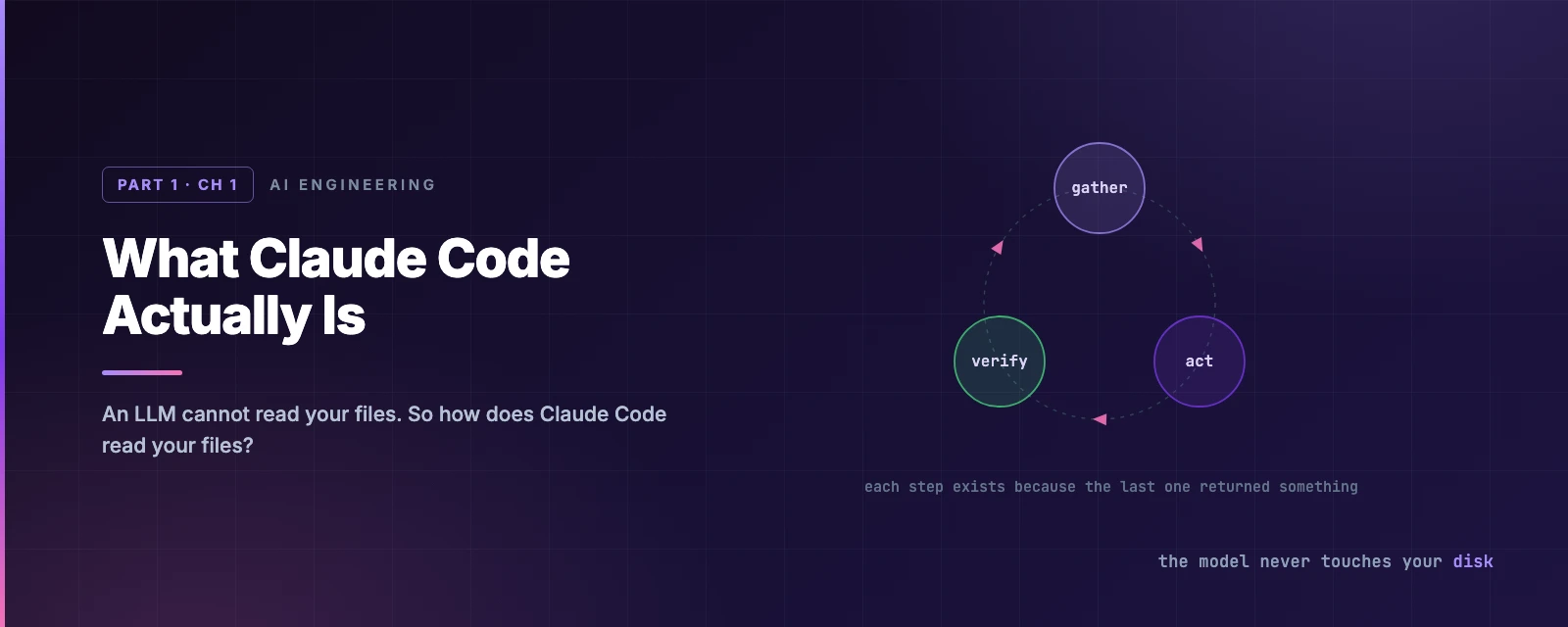
What Claude Code Actually Is
Overview
This chapter covers:
- Why a language model on its own cannot read your files, and what Claude Code adds to close that gap
- The agentic loop — gather, act, verify — and why every step is conditioned on the last result
- The five categories of tool, and the single rule that decides which of them stop to ask you
- What a session can see, and why a 40,000-file repository does not cost 40,000 files of context
- Installing it, steering it mid-task, and the two commands worth knowing on day one
The gap a model cannot cross
A language model is a text-to-text function. No filesystem handle, no shell, no network socket. Ask one to explain a file on your disk and the only correct answer is that it cannot read files.
sequenceDiagram
    participant You
    participant LLM
    You->>LLM: Explain the code in complex.py
    LLM-->>You: No file access — supply the contents
Claude Code closes that gap. It is an agentic harness: it gives the model a set of tools, executes them on the model’s behalf, and runs the whole thing in a loop.
sequenceDiagram
    participant You
    participant CC as Claude Code
    participant LLM
    participant FS as Filesystem
    You->>CC: Explain the code in complex.py
    CC->>LLM: prompt + tool definitions
    LLM-->>CC: tool call — Read(complex.py)
    CC->>FS: open, read
    FS-->>CC: contents
    CC->>LLM: tool result
    LLM-->>CC: JWT validation, rejects expired tokens
    CC-->>You: JWT validation, rejects expired tokens
The model never touches your disk. It emits a tool call; the harness executes it and hands back the result.
That intermediary position is the whole design. Every capability comes from a tool the harness offers, and every safety control comes from the harness being able to refuse one.
The agentic loop
The harness repeats the exchange. Each iteration has three phases — gather context, take action, verify results — and the model picks the next action from the last result.
flowchart LR
    P([Prompt]) --> G[Gather context]
    G --> A[Take action]
    A --> V[Verify results]
    V -->|incomplete| G
    V --> D([Done])
The phases describe what happens, they are not a fixed sequence. A codebase question may never leave gather. A refactor spends most of its time in verify.
Here is “fix the failing tests” as it actually runs:
Two things to notice. The first call is an action, not context gathering — running the suite is how you find out what is broken. And every step after that exists only because of what the previous one returned: step 3 because step 2 produced a stack trace, step 6 because step 5 changed a file.
That dependency is the difference between an agent and a script.
Steering it mid-flight
| Input | Effect |
|---|---|
Esc | Cancels the running tool call immediately |
Text + Enter | Does not interrupt. Read once the current tool call finishes, before the next action is chosen |
The second is the underused one: when the current command is harmless but the direction is wrong, you don’t need to stop anything.
Tools
Tools are what the harness exposes. Five categories:
| Category | What it covers |
|---|---|
| File operations | Read, edit, create, move |
| Search | Match files by pattern, search contents by regex |
| Execution | Shell commands, servers, tests, git |
| Web | Search, fetch URLs |
| Code intelligence | Type errors after edits, definitions, references |
There are 45 in total. You don’t need to memorise them, but you do need the pattern in this column:
| Tool | Asks first? |
|---|---|
Read, Glob, Grep, LSP | No |
Edit, Write, NotebookEdit | Yes |
Bash, PowerShell, Monitor | Yes |
WebSearch, WebFetch | Yes |
Agent (spawn a subagent) | No |
TodoWrite, task and cron tools | No |
Looking is free. Changing costs a question. Reading, searching and listing never prompt; editing, executing and reaching the network do. Chapters 3 and 4 are refinements on that one rule, not departures from it.
The tools reference lists all 45 with the permission column for each.
Tools are extensible too — skills add procedures, MCP adds external services, hooks add enforced behaviour, subagents add isolated context. Each gets a chapter.
What a session can see
Running claude in a directory gives it:
- Project files — the working directory and below, plus anything added with
--add-dir - Your shell — any command you could run yourself
- Git state — branch, uncommitted changes, recent history
CLAUDE.md— project instructions, loaded every session (Chapter 6)- Auto memory — what Claude wrote down last time (Chapter 7)
- Extensions — MCP servers, skills, subagents, browser access
Files are read on demand, not at startup. A 40,000-file repository does not cost 40,000 files of context; it costs whatever Claude actually opened. This is the most common misconception about how it works.
Because the harness sees the project rather than one open buffer, a single request can span six files, a config change and a test run as one piece of work.
Two mechanisms worth knowing early
Session state is a local file. Every message, tool call and result appends to a JSONL file under ~/.claude/projects/. Resuming, forking and rewinding are operations on that transcript.
Edits are snapshotted before they happen. Checkpoints are separate from git and survive a resume. They cover file edits only — changes made by shell commands, and anything touching a remote system, are outside their scope. Chapter 9 covers both.
Where it runs
The loop and the tools are identical everywhere. What changes is where code executes:
| Environment | Code runs on |
|---|---|
| Local | Your machine — the default |
| Cloud | Anthropic-managed VMs, or self-hosted runners |
| Remote Control | Your machine, driven from a browser |
Interfaces: terminal, VS Code, JetBrains, desktop app, claude.ai/code, mobile, Slack, and CI. They share your CLAUDE.md, settings and MCP config, so configuration done once applies everywhere. Chapter 20 covers them individually; this handbook uses the terminal.
Getting started
You need a terminal, a project, and a Claude account — Pro, Max, Team or Enterprise, a Console account, or access via Bedrock, Google Cloud or Microsoft Foundry.
# macOS, Linux, WSL — auto-updates in the background
curl -fsSL https://claude.ai/install.sh | bash

# Windows PowerShell
irm https://claude.ai/install.ps1 | iex
Homebrew, WinGet and Linux package managers work too but do not auto-update — setup covers those and version pinning.
claude --version     # prints a version followed by (Claude Code)
cd /path/to/project
claude               # browser auth on first run
Credentials persist; /login switches accounts later.
Two commands worth knowing on day one: /init generates a starting CLAUDE.md from your codebase, and /doctor diagnoses installation and configuration problems and offers to fix them.
On native Windows, install Git for Windows so the Bash tool works. Without it Claude Code falls back to PowerShell. WSL doesn’t need it.
One thing that will surprise you
On Pro, Max and Team plans, interactive sessions start in auto mode — a classifier reviews Claude’s actions in the background instead of prompting you. On other plans you start in Manual and approve each action. Shift+Tab switches at any time, and Chapter 3 is entirely about what each mode lets through.
Writing a good prompt
Specify the target and the symptom. Leave the procedure alone.
The checkout flow fails for users with expired cards.
Relevant code is in src/payments/. Investigate and fix.
This is shorter than naming files and line numbers, and it doesn’t bake in an assumption about where the bug is. If that assumption is wrong, a prescribed sequence sends Claude away from the actual problem.
Correcting mid-task also beats re-prompting: the context from the failed attempt is still there.
Summary
- A model produces text. Claude Code supplies tools, executes them, and drives the model in a loop.
- The loop is gather → act → verify, with each step conditioned on the last result.
- Read-only tools don’t prompt; state-changing ones do. The permission system is built on that asymmetry.
- Files load on demand — repository size doesn’t dictate context usage.
Esccancels the running tool call; typed text steers without interrupting.
Chapter 2 covers the three ways to give Claude Code input, and why two of them never reach the model.